
Scan once. Join instantly.
Place one branded QR on screens, tables, badges or signs. Guests open the camera in their browser with no registration.
A branded QR camera turns the people in the room into your event’s storytellers. Nothing to download, no guest accounts, and every photograph arrives in one live collection.
 Cultural events
 Conferences

Event camera
The event camera opens instantly
Scan to join


The same effortless entry, shaped differently for every room, audience and objective.
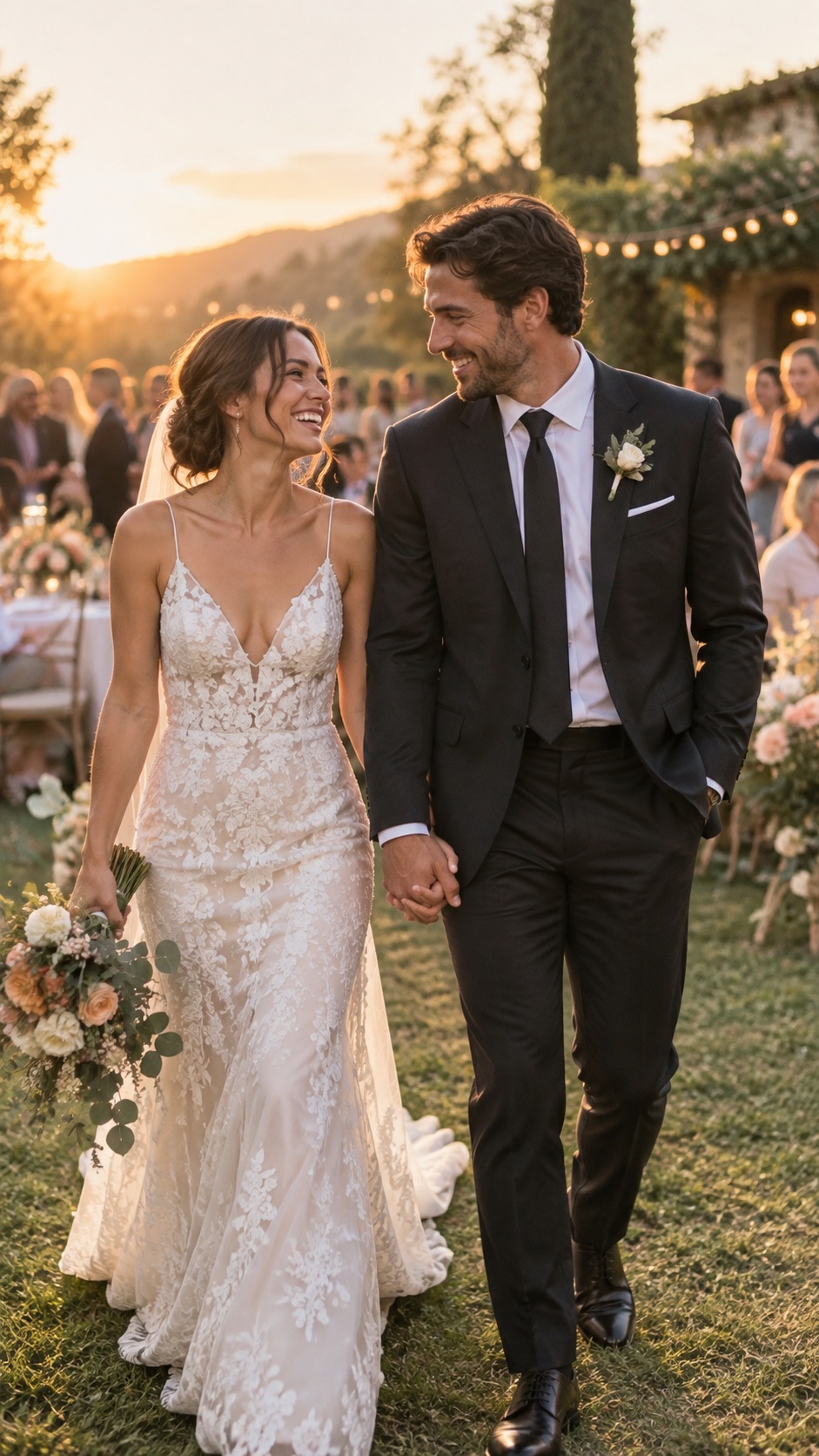 01
The candid story around the ceremony, tables and dance floor.
Explore02Turn attendees into a live network of event storytellers.
Explore 03
A branded camera for team days, launches and celebrations.
Explore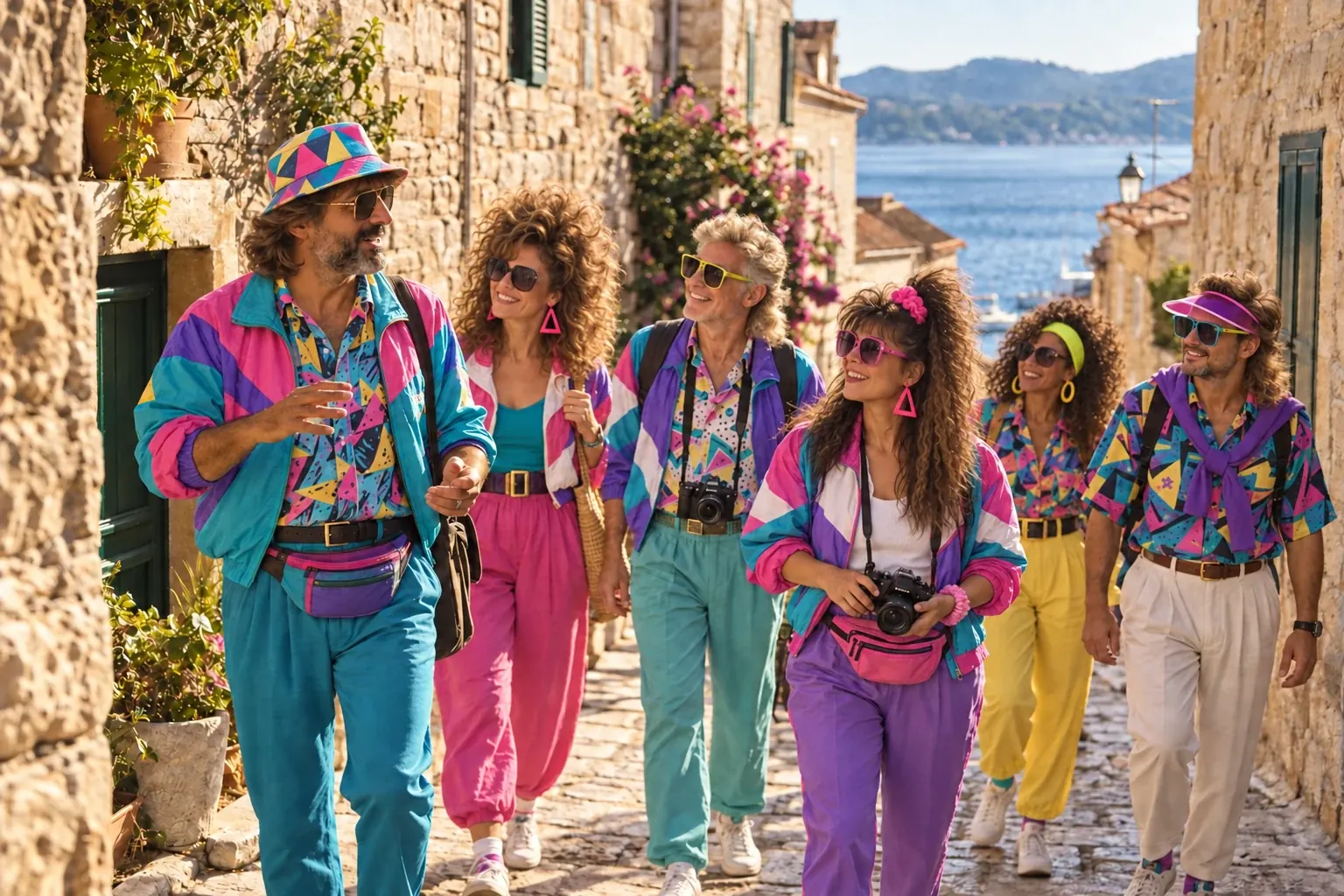 04
One private shared story, captured by every traveler in the group.
ExploreGuests capture the moments you cannot stage, while QPics quietly organizes, protects and presents every upload.
Place one branded QR on screens, tables, badges or signs. Guests open the camera in their browser with no registration.
Choose the visual identity, welcome message, photo allowance and filters that fit the room.
Photographs arrive in the live gallery, venue display and organized download while the event continues.
We connect one event identity to its camera, gallery and display. Guests only need to scan.
Add the event name, branding, welcome message, photographic style and guest photo limit.
Use it on invitations, badges, venue screens, table cards or any moment of arrival.
Guest photographs appear automatically in the private gallery and, when enabled, on the live display.
Questions, answered
No. The QR opens the event camera directly in the mobile browser, so guests can participate immediately on iPhone and Android.
Weddings, conferences, company celebrations, launches, offsites and private events can each have their own branded camera and collection.
Yes. The private dashboard supports photo management and moderation, so the live display and shared gallery can show only the content you approve.
The organizer can download the complete collection, share a guest-friendly gallery and keep photos organized by event folders.
The best moments happen everywhere in the room